Welcome to Silence Detector, your automated audio stream monitoring solution. This guide will help you set up and manage your streams, alerts, and replacement audio.
Logging In
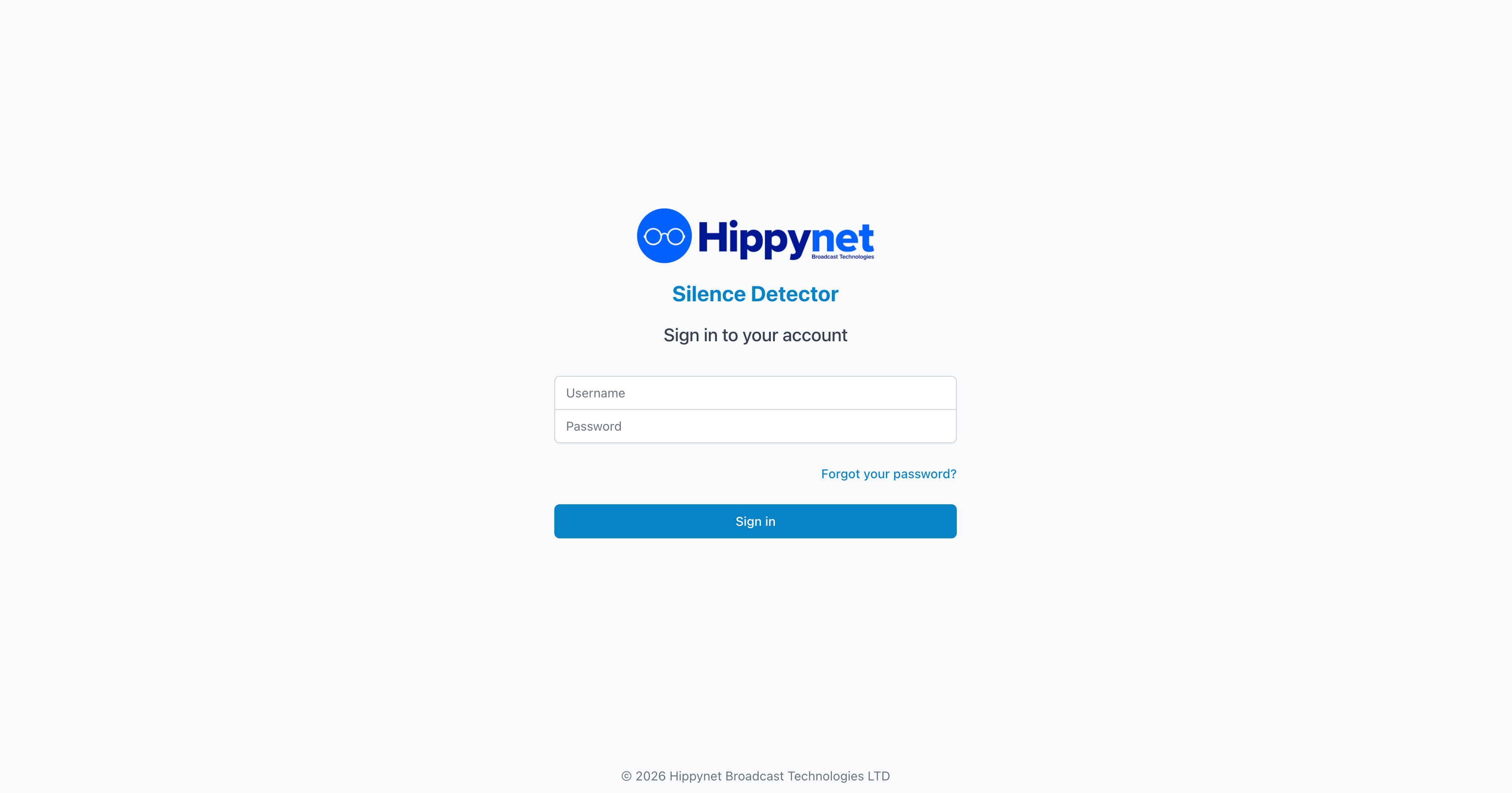
Visit your Silence Detector portal and enter your username and password to sign in. If you've forgotten your password, click "Forgot your password?" to reset it.
First-Time Setup
After logging in, you'll want to:
1. Add your first stream to monitor
2. Upload replacement audio (optional)
3. Configure alerts to be notified of silence events
