The Dashboard provides an at-a-glance overview of all your monitored streams.
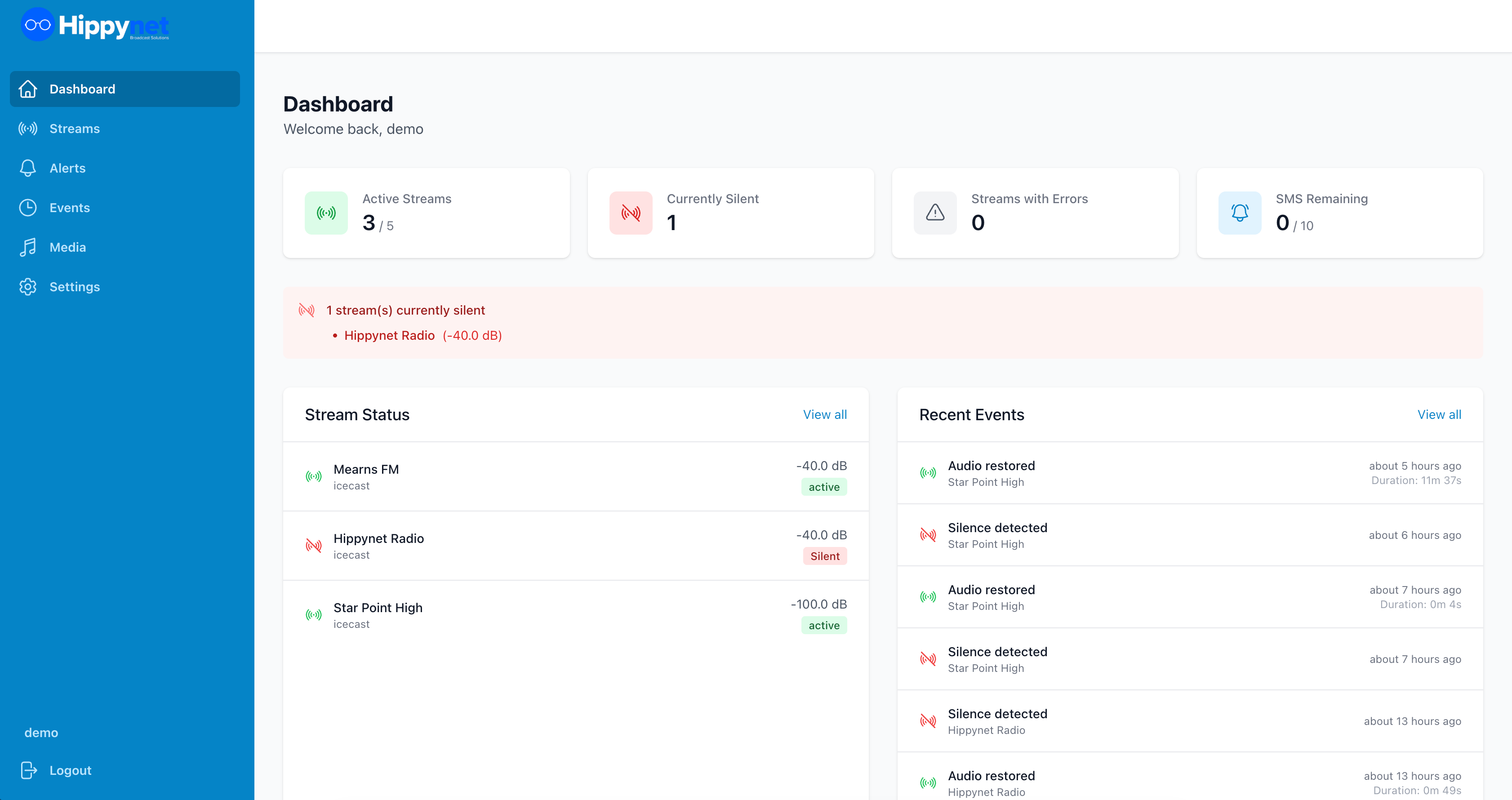
Stream Status Indicators
Each stream card displays:
- Stream name and current status
- Audio level meter showing real-time audio levels in dB
- Status badge:**
-Active (green) - Stream is being monitored and audio is detected
-Silent (red) - Silence has been detected
-Inactive (grey) - Monitoring is paused
-Error (red) - Unable to connect to stream
Quick Actions
From the Dashboard, you can:
- Click on any stream card to view details
- See which streams currently have silence events
- Monitor real-time audio levels
