The Media Library stores your replacement audio files.
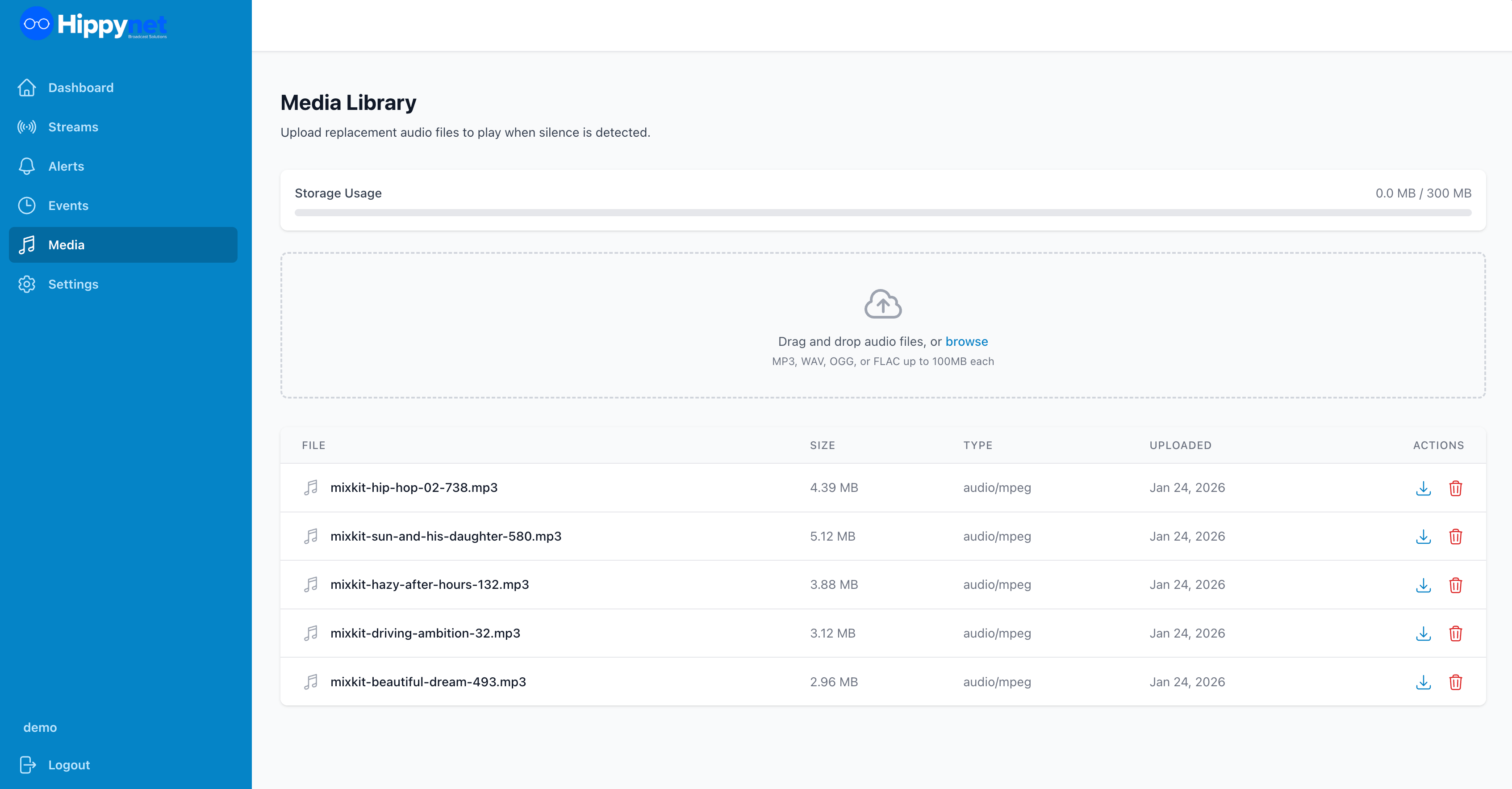
Uploading Files
1. Navigate to Media Library in the sidebar
2. Click Upload or drag and drop files onto the page
3. Supported formats: MP3, WAV, OGG, FLAC, AAC, M4A
Tips for replacement audio:
- Use files at least 30 seconds long to avoid repetitive loops
- Match the audio quality to your stream (e.g., 128-320 kbps MP3)
- Consider uploading multiple files for variety
Managing Files
Each file displays:
- Filename
- Duration
- File size
- Upload date
To delete a file:
1. Click the Delete button next to the file
2. Confirm the deletion
Note: You cannot delete a file that is currently assigned to a stream as replacement audio.
Storage Quota
Your account has a storage limit shown at the top of the Media Library. Contact support if you need additional storage.
